
Echo Weaver Steam Guide: Price, Demo, and Deck Support
Explore Echo Weaver Steam pricing, the free demo, Steam Deck support, PC and Mac requirements, controller options, and tips for mastering its time loop.
Jump to
Is Echo Weaver Available on Steam?
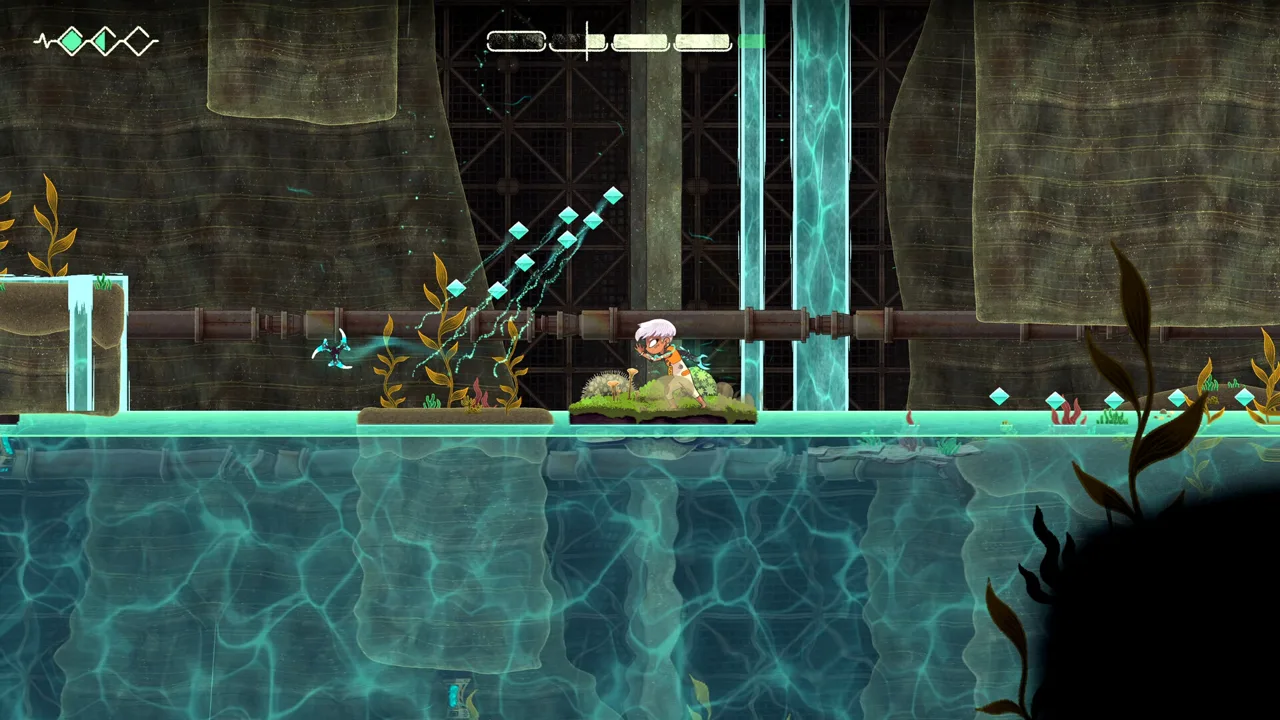
The Echo Weaver Steam release puts you inside a time loop where learning a secret can change your entire route through the world. That makes the demo especially useful: you can try its mix of platforming, puzzles, and discovery before buying. This Echo Weaver Steam guide covers the price, supported computers, Steam Deck compatibility, and practical details to know before your opening loop.
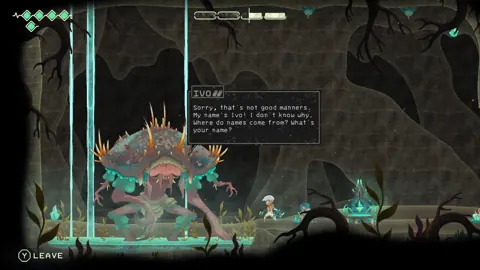
Echo Weaver launched on Steam on October 8, 2026, with Moonlight Kids developing and Akupara Games publishing. You play as the last Weaver, exploring the damaged colony of Provenance while uncovering the mystery behind its repeating timeline.
| Steam release detail | Information |
|---|---|
| Release date | October 8, 2026 |
| Standard US price | $19.99 |
| Introductory US price | $17.99, a 10% discount ending October 22 |
| Desktop platforms | Windows and macOS |
| Demo | Free download available |
| Steam Deck status | Verified |
| Game mode | Single-player |
The prices above include the introductory offer. The introductory discount applies to the base game; the Deluxe Edition bundles the game with its soundtrack. Choose the base game if you simply want the adventure, or consider the soundtrack bundle if you want the music separately.
You can buy Echo Weaver or download its free Steam demo from the same page.
Start with the demo if timed exploration sounds intriguing but you dislike repeating routes. It gives you a chance to judge the movement, clock pressure, and discovery loop yourself. Its updated version also includes three Wayfinder Plinth challenges, which measure how quickly you can reach their destinations from the beginning of a loop.
How the Time Loop and Knowledge Progression Work
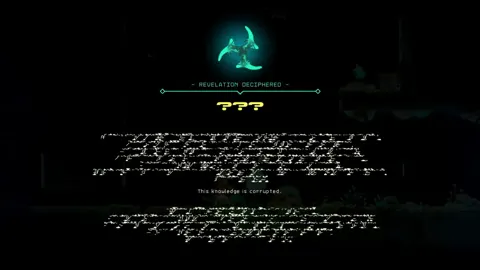
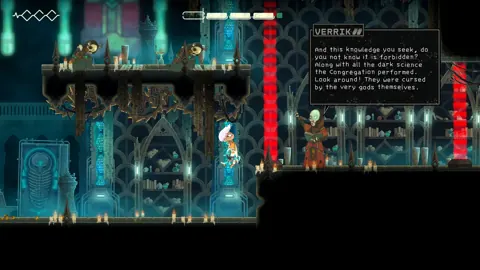
The central appeal of the Echo Weaver Steam adventure is discovering how much your character can already do. Core progression revolves around understanding abilities, environmental interactions, and shortcuts. A revelation can turn an obstacle into a route you recognize immediately on your next attempt.
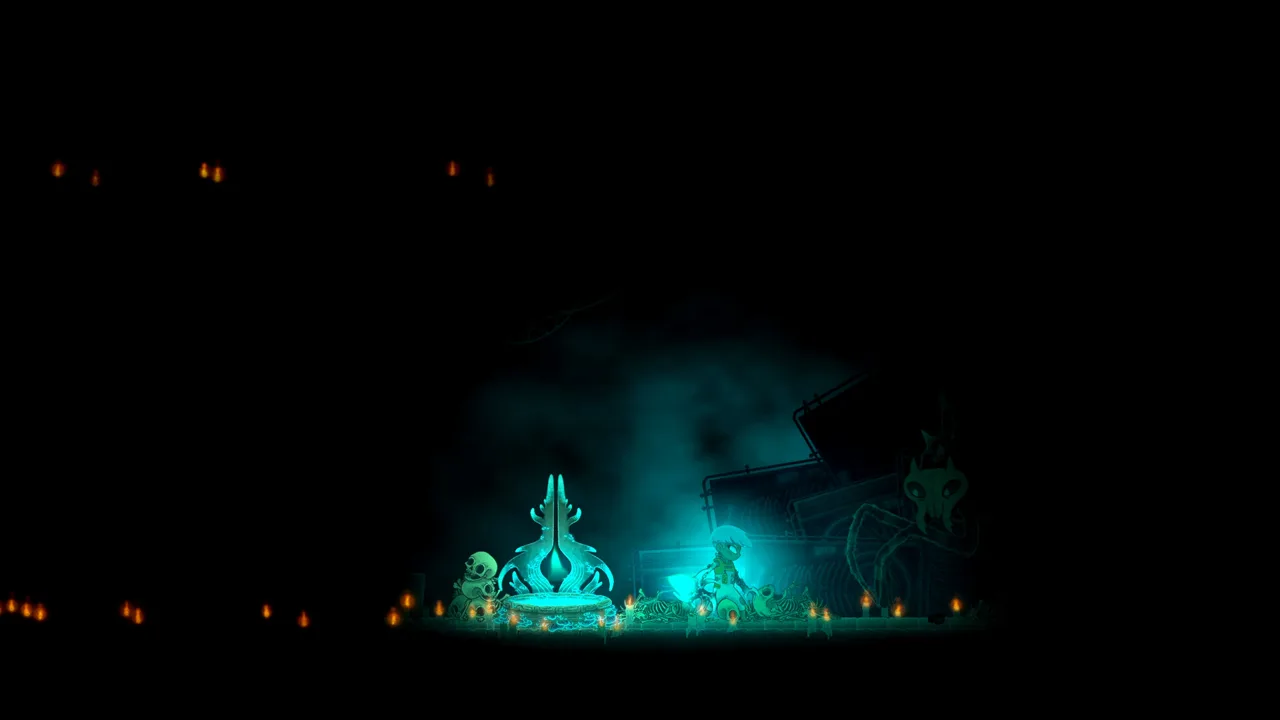 Image: Steam / Moonlight Kids
The world is handcrafted, with a repeating sequence of events. Nothing is procedurally generated. Learning where to go matters, but learning when to arrive matters too: doors close, hazards change access, and opportunities depend on your position within the cycle.
Time Is Also Your Spending Money
Your remaining loop time does more than count down toward a reset. Pickups extend it, while healing, trading, and opening certain routes draw from that same resource.
| Time interaction | What happens | Practical tip |
|---|---|---|
| Collect time pickups | Extend the current loop | Gather pickups along your route before a longer expedition |
| Heal | Spend a minute to restore health | Check your remaining time before healing |
| Buy maps from Z | Exchange time for map information | Leave enough time to explore after purchasing |
| Open certain routes | Spend time to gain access | Decide whether the destination serves your current objective |
| Churn the loop | End the current cycle deliberately | Reset when you are ready to act on what you learned |
That shared resource creates useful decisions. Taking damage can cost exploration time if you heal afterward, while spending time on a map can help you navigate. Think about the next destination before committing your remaining minutes.
Let Discoveries Change Your Route
The glaive sits at the center of many puzzles and traversal interactions. Its uses expand as you understand its relationship with the Weaver and the environment. Explaining every application would spoil much of the appeal, so keep your early experiments focused on the instructions and clues you encounter.
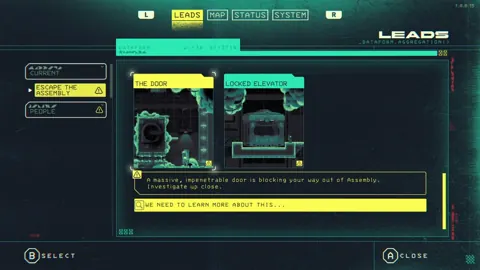
Use the leads menu to revisit information when you lose track of an objective. Read the relevant thread before retracing an entire area. Then choose a destination and test a specific idea.
Expect platforming and environmental puzzles to occupy much of your attention. Combat is sparse, and the game's emphasis is on navigation, observation, and executing a route you understand. If you enjoy piecing together mysteries in games such as Outer Wilds or Tunic, that emphasis should sound familiar.
Echo Weaver Steam Requirements and Steam Deck Support
The Echo Weaver Steam version supports Windows and macOS, with 4 GB of RAM and 4 GB of available storage required on either platform. Check the processor and graphics requirements as well; memory alone does not determine whether your computer meets the minimum specifications.
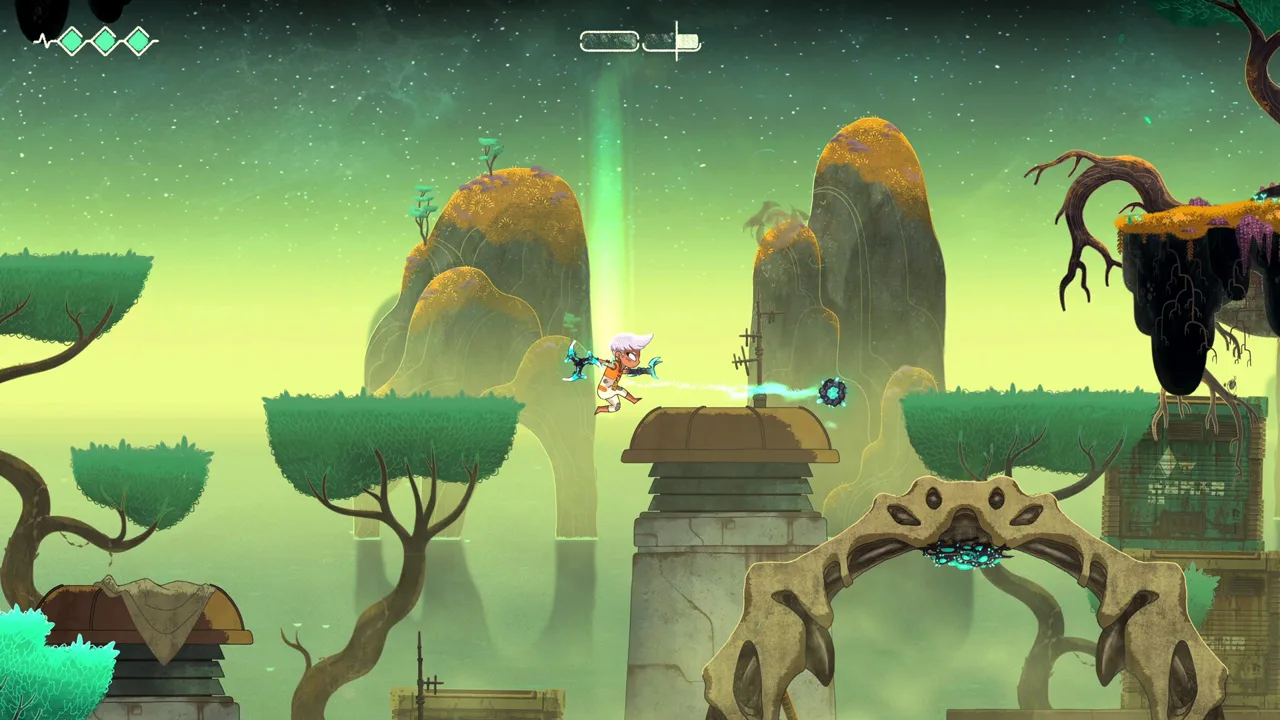 Image: Steam / Moonlight Kids
| Component | Windows minimum | macOS minimum |
|---|---|---|
| Operating system | Windows 10 or later | macOS Big Sur or later |
| Processor | Core i3-9300T or AMD FX 8350 | Apple M1 or Intel Core i7 |
| Memory | 4 GB RAM | 4 GB RAM |
| Graphics | NVIDIA GTX 660 or AMD R7 260X | Intel UHD Graphics 630 |
| Available storage | 4 GB | 4 GB |
Compare these requirements with your machine before downloading. Use the demo to check how movement and environmental details feel on your setup, especially during platforming sections where input response matters.
Playing on Steam Deck
Echo Weaver is Steam Deck Verified. The developers also recommend playing with a controller, making the handheld's built-in controls a natural option for its movement and glaive mechanics.
Take time to learn the difference between movement commands and actions that spend loop time. Healing uses that resource, so an accidental input can shorten an expedition. Practice unfamiliar actions somewhere you can clearly see the result.
The game includes a map and a menu for tracking leads. Consult both when choosing your next destination rather than relying entirely on memory.
For desktop controller play, Xbox and PlayStation controllers are supported. Balance Patch 1.0.0.63 also fixed an issue affecting Xbox Series controllers connected over Bluetooth on Mac. Keep that patch history in mind if you are returning after encountering the problem at launch.
Steam Features, Languages, and Achievements
The Echo Weaver Steam package includes Steam Cloud, achievements, trading cards, and Family Sharing. Steam Cloud adds cloud save support, while Family Sharing lets eligible members of your Steam family access the game.
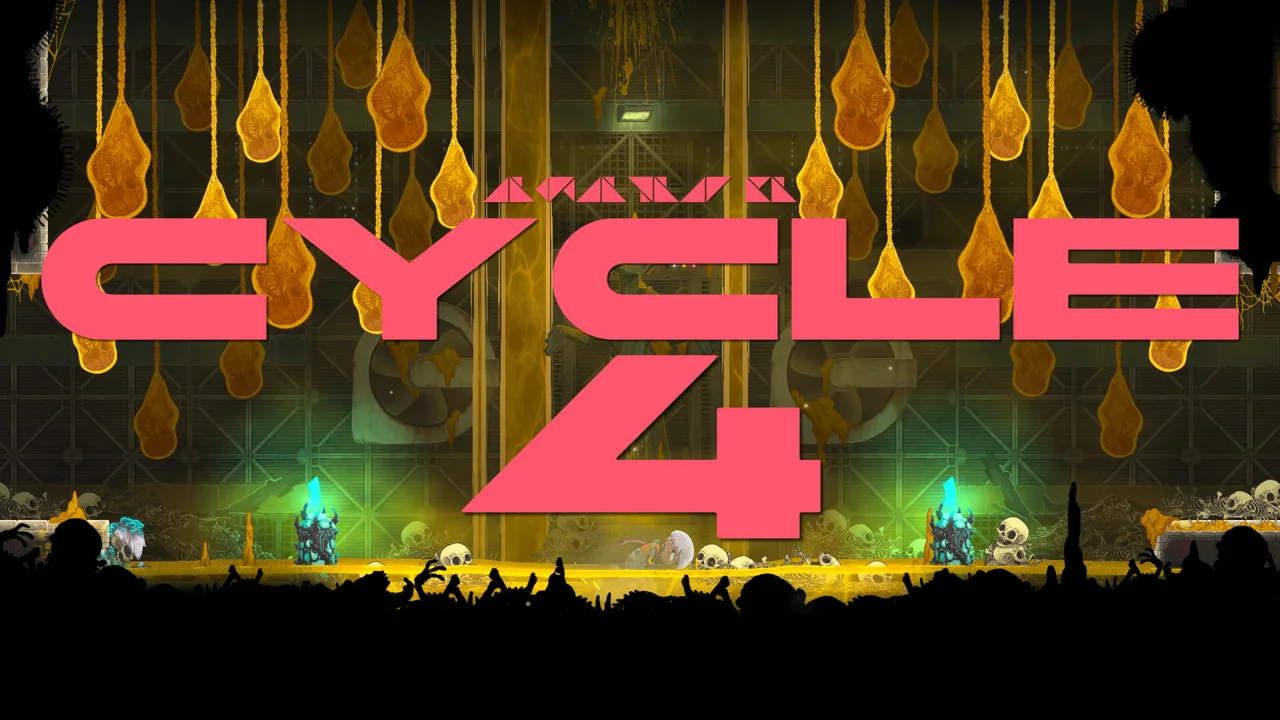 Image: Steam / Moonlight Kids
There are 39 Steam achievements covering story progress, discoveries, collectibles, and optional challenges. Several descriptions reveal abilities or later objectives. Leave the full achievement list alone during your opening hours if you want to discover those ideas through play.
Wayfinder Plinths add another reason to revisit familiar terrain. Their challenges reward route knowledge and execution, giving you something concrete to practice after learning a faster way through an area.
Language and Accessibility Options
Interface text and subtitles are available in eight languages:
- English
- French
- German
- Spanish — Spain
- Portuguese — Brazil
- Simplified Chinese
- Japanese
- Traditional Chinese
Accessibility features include subtitle options, color alternatives, custom volume controls, stereo sound, and play without Quick Time Events.
Set your preferred language before starting so you can follow tutorial explanations and puzzle clues comfortably. Give unfamiliar instructions another read when an action fails; understanding how an interaction works is part of progression.
For achievement hunting, distinguish between discoveries you want to find naturally and cleanup tasks you are ready to pursue. Collectible objectives include buying all of Z's maps and collecting all Dewdrops, Vestiges, and Remnants. Save detailed achievement browsing for when you are comfortable seeing later-game terminology.
Launch Patches and Practical Setup Tips
The Echo Weaver Steam launch received several fixes addressing audio, controls, navigation, and quest tracking. Install available updates before beginning or returning to an older save.
The music-stacking bug from launch was addressed in version 1.0.0.61. Balance Patch 1.0.0.63 then made broader changes, including clearer teaching, adjusted platforming challenges, map improvements, and stability fixes. Day 6 Hotfix 1.0.0.64 followed with additional control, achievement, and NPC corrections.
| Version | Relevant changes |
|---|---|
| 1.0.0.60 | Fixed music behavior and improved loading around a midgame area |
| 1.0.0.61 | Fixed stacking music, map label offsets, and other issues |
| 1.0.0.63 | Improved tutorials, adjusted challenges, fixed map slowdown, and added map markers |
| 1.0.0.64 | Fixed rebinding problems, premature NPC lead closures, and achievement issues |
Some early navigation advice also reflects older balance settings. Version 1.0.0.63 reduced the prayer statue cost at the bottom of the Depths and reorganized NPC shortcut leads into a single thread. Check your updated menus before following a remembered route or expense from launch.
Fixing Nintendo Switch Controller Button Prompts
A launch-era issue affected A/B and X/Y prompts when using a Nintendo Switch controller on Steam. If you encounter those flipped prompts, use this workaround:
- Right-click Echo Weaver in your Steam Library.
- Select Properties.
- Open Controller.
- Disable Steam Input for the game.
Apply that workaround when the symptoms match; Xbox and PlayStation controller support does not require this Switch-specific adjustment.
Make Each Return Trip Count
Before setting out, review one unresolved lead and choose the question you want to answer. Follow nearby time pickups, note useful shortcuts, and reconsider your route whenever a discovery changes what you can do.
If repeated attempts at the same obstacle stall, reread its associated instructions before repeating the sequence. The game's knowledge gates can make a misunderstood interaction look like a missing ability.
Keep your opening sessions light on solution searches. The satisfaction comes from recognizing that a familiar place has another use, then applying that understanding on the next loop.
FAQ
Is Echo Weaver Steam available now?
Yes. Echo Weaver released on Steam on October 8, 2026, for Windows and macOS. Its standard US price is $19.99, with an introductory price of $17.99 through October 22.
Does Echo Weaver have a free Steam demo?
Yes. You can download the free demo from the game's Steam page. The updated demo includes exploration, puzzles, and three Wayfinder Plinth time trials.
Is Echo Weaver Steam Deck Verified?
Yes. Echo Weaver is Steam Deck Verified, and the developers recommend using a controller. The Steam version also includes Steam Cloud support.
Is Echo Weaver a roguelike?
No. Its world is handcrafted rather than randomly generated. The time loop centers on learning mechanics, understanding scheduled events, and finding routes that let you act on discoveries from previous cycles.
Continue with
 Echo Weaver Playstation: PS5 Details and Player GuideExplore Echo Weaver playstation details, PS5 platform information, time-loop gameplay, and practical tips. Check what to know before choosing your version.
More in Platforms
Echo Weaver Cloud Saves: Steam, Xbox & Switch Guide
Echo Weaver cloud saves support Steam, Xbox, and Nintendo Switch 2. Compare platform features, backup requirements, and save-slot details before you play.
Echo Weaver Ps5: Release Date, Gameplay, and Buying Tips
Explore Echo Weaver's time-loop puzzles and knowledge-based progression in a world that keeps resetting. The Steam release date is October 8, 2026.
Echo Weaver Switch: Switch 2 Compatibility and Tips
Searching for Echo Weaver switch? Learn about Switch 2 compatibility, time-loop gameplay, controls, and practical pointers before exploring Provenance.
Echo Weaver Xbox: Game Pass, Price, and Console Guide
Explore Echo Weaver xbox availability, its $19.99 price, Game Pass access, and console features. Learn how knowledge and time shape trips through the loop.
Join the community
Official channels for news, updates and player help: