
Echo Weaver Cloud Saves: Steam, Xbox & Switch Guide
Echo Weaver cloud saves support Steam, Xbox, and Nintendo Switch 2. Compare platform features, backup requirements, and save-slot details before you play.
Jump to
Does Echo Weaver Support Cloud Saves?
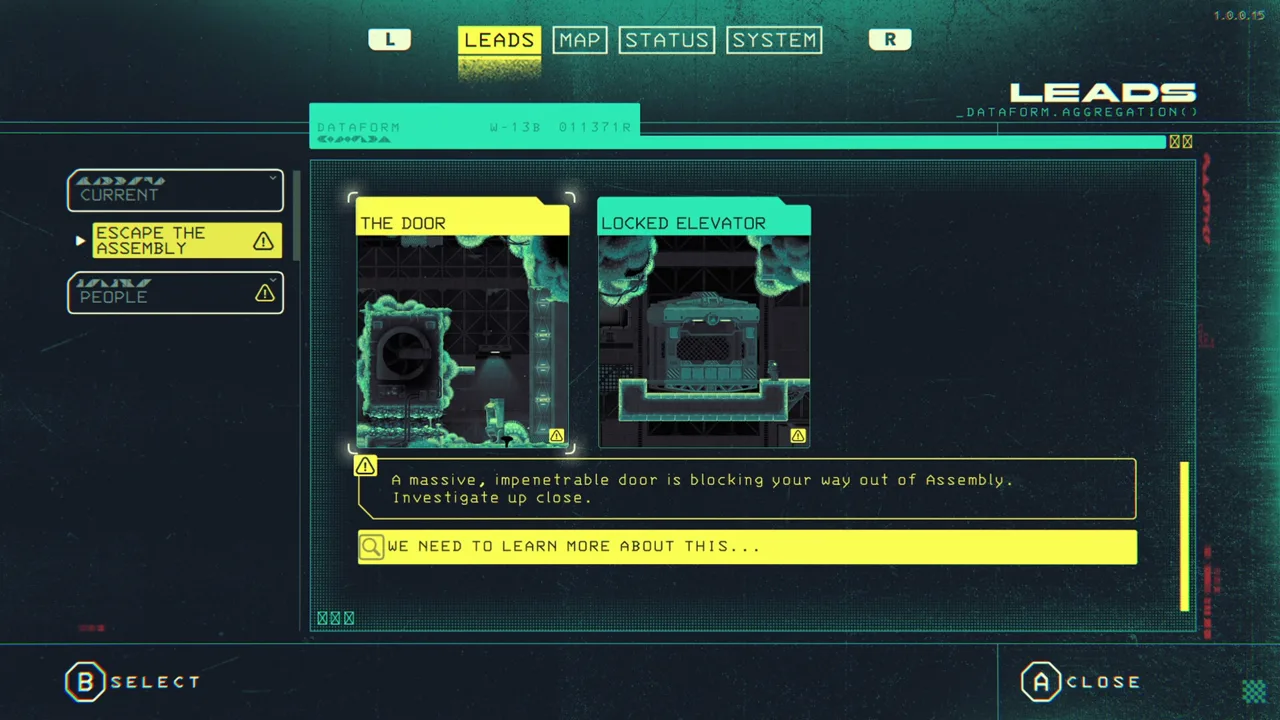
Echo Weaver cloud saves are supported through Steam Cloud, Xbox cloud saves, and Nintendo Switch 2 Save Data Cloud. That matters when you’re choosing where to keep a playthrough full of discoveries, character leads, and carefully learned routes. The practical starting point for Echo Weaver cloud saves is your version of the game: each platform has its own service, and Nintendo’s cloud backup requires a Nintendo Switch Online membership.
Here’s the platform breakdown:
| Game version | Cloud-save feature | Additional relevant feature |
|---|---|---|
| Steam | Steam Cloud | Steam Deck Verified |
| Xbox | Xbox cloud saves | Xbox Play Anywhere |
| Nintendo Switch 2 | Save Data Cloud | Nintendo Switch Online membership required for backup |
These features answer different questions. Cloud-save support concerns your save data. Steam Deck verification concerns compatibility with Valve’s handheld. Xbox Play Anywhere is a separate Xbox ecosystem feature, while Xbox Cloud Gaming provides a way to stream the game.
Keep those distinctions in mind before choosing a version. A game can offer several cloud-related features, and the word “cloud” alone doesn’t tell you which one you’re using.
Echo Weaver also has an unusual progression structure. You begin with access to its core powers, then discover how to use them. That makes personal knowledge valuable, but your playthrough still includes tracked information and collected upgrades. Cloud saves remain relevant even when understanding the world is your greatest advantage.
Echo Weaver Cloud Saves on Steam and Steam Deck
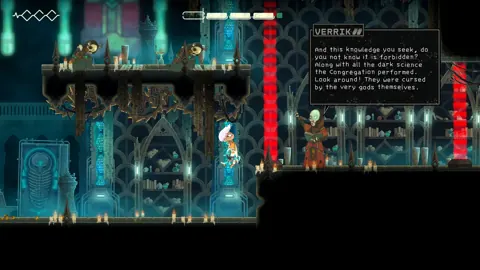
The Steam version supports Steam Cloud and carries Steam Deck Verified status. Those are useful features to consider together if you play on a desktop and also enjoy handheld gaming.
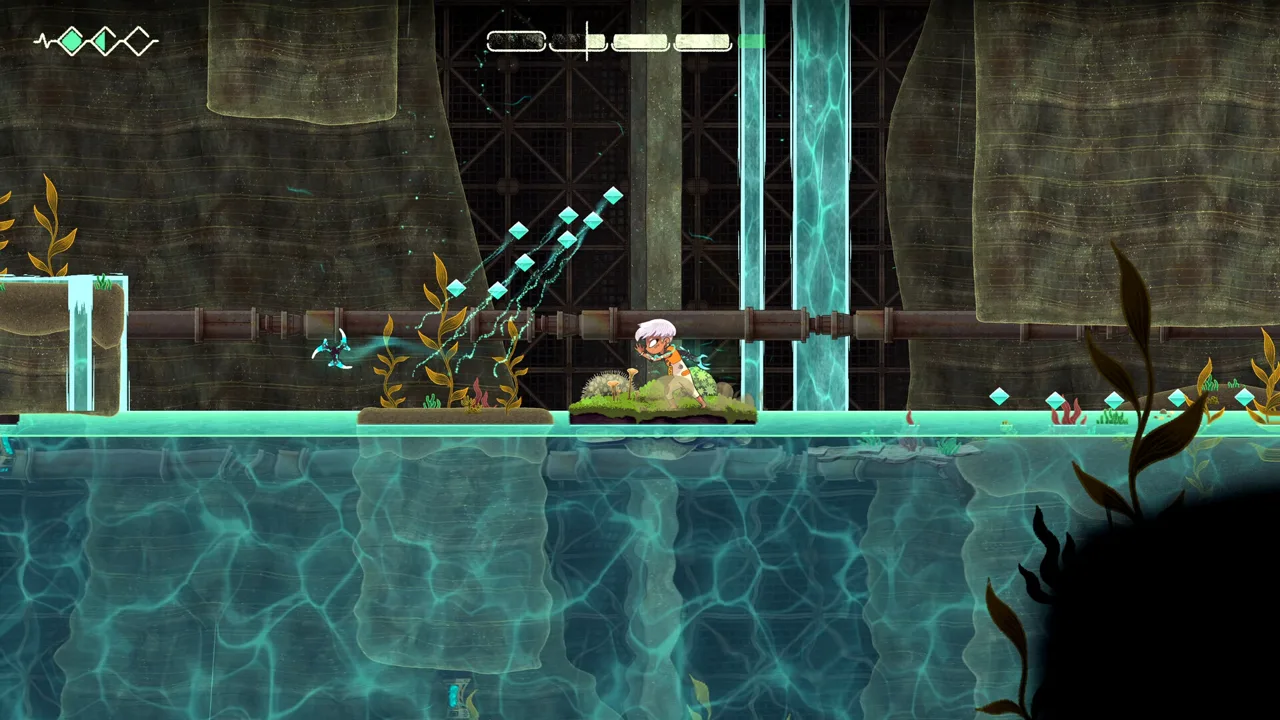 Image: Steam / Moonlight Kids
They serve separate purposes, though. Steam Cloud is the save-related feature. Verified status addresses the game’s Steam Deck compatibility; it doesn’t describe save slots, backup history, or the exact point at which the game records progress.
For the Steam release, keep your checks focused:
- Check Steam Cloud status before changing devices.
- Resolve any save-related warning before continuing a long session.
- Review the game’s update status when an objective behaves incorrectly.
- Keep save management separate from controller troubleshooting.
Those checks help you distinguish an issue with your save service from an issue inside the game. For example, a lead that closes unexpectedly is a different problem from a cloud synchronization warning.
Keep Controller Fixes Separate From Save Problems
Echo Weaver recommends controller play, and its Steam release supports Xbox and PlayStation controllers. A launch-period issue also affected Nintendo Switch controller button prompts.
The workaround for that specific issue was to disable Steam Input for Echo Weaver:
- Right-click the game in your Steam library.
- Select Properties.
- Select Controller.
- Disable Steam Input.
Use that workaround for the affected Nintendo Switch controller prompts. It addresses reversed A/B and X/Y glyphs, rather than cloud saving.
This distinction is useful when troubleshooting a handheld or controller setup. Incorrect button prompts can make a familiar action feel broken, especially in a game where understanding an input combination is part of progression.
For purchasing or downloading, visit the Echo Weaver Steam page.
Xbox and Nintendo Switch 2: Know Which Cloud Feature You Need
Echo Weaver cloud saves on Xbox sit alongside two other features: Xbox Play Anywhere and Xbox Cloud Gaming. On Nintendo Switch 2, the save-related feature is Save Data Cloud.
 Image: Steam / Moonlight Kids
Start with the feature that matches your immediate goal.
| Feature | What it concerns | Player action |
|---|---|---|
| Xbox cloud saves | Save data within the Xbox ecosystem | Check the save service when managing Xbox progress |
| Xbox Play Anywhere | Xbox ecosystem play across supported devices | Consider it when choosing an Xbox version |
| Xbox Cloud Gaming | Streaming access to the game | Check the subscription and purchase requirements |
| Nintendo Save Data Cloud | Nintendo cloud backup | Maintain the required Nintendo Switch Online membership |
Xbox Cloud Gaming Access
Echo Weaver is available through Xbox Cloud Gaming with controller support. Its streaming access includes these subscription arrangements:
- Xbox Game Pass Ultimate: the cloud-playable game is included.
- Xbox Game Pass Essential or Premium: purchasing the game is required to stream it.
These requirements concern access to the streamed game. Keep them separate from the Xbox cloud-save capability when comparing subscriptions or deciding whether to buy.
Check the Echo Weaver Xbox page when planning a streaming session.
Nintendo Switch 2 Cloud Backup
Echo Weaver cloud saves on Nintendo Switch 2 use Save Data Cloud. A Nintendo Switch Online membership, sold separately, is required for that backup feature.
The game also supports handheld, tabletop, and TV modes. Those modes describe how you play on the system; Save Data Cloud handles the backup feature associated with your Nintendo version.
Before relying on a Nintendo backup, check the game’s Save Data Cloud status through your console’s save-management options. Keep the membership requirement in mind when comparing the overall cost of different versions.
You can purchase the game through the Echo Weaver Nintendo Switch 2 page.
Cloud Saves and Multiple Save Slots Serve Different Purposes
Echo Weaver cloud saves deserve a separate discussion from multiple save slots. A cloud-save feature handles save data through a platform service. Multiple slots let you maintain separate playthroughs inside a game.
 Image: Steam / Moonlight Kids
Echo Weaver launched without multiple save slots. Additional slots were planned as of October 9, 2026, after players requested a way to start fresh while retaining an existing playthrough.
That launch limitation matters because a fresh run involves more than replaying familiar rooms. Bonus time, health upgrades, and recorded leads are all part of the decision.
| Part of a playthrough | Why it matters before starting fresh |
|---|---|
| Bonus time | It affects the resources available during your loops |
| Health upgrades | They contribute to your existing character’s survivability |
| Recorded leads | They organize discoveries and character objectives |
| Character stories | You might want to continue them after reaching an ending |
If you want to replay the final sequence and finish remaining character stories, review your save-slot options before resetting data. Preserve the playthrough you still want to use.
Choose Your Next Goal Before Resetting
Decide whether your next session is about a clean restart, unfinished character stories, or collectible cleanup. Each goal asks something different of your existing progress.
For character stories, work from your recorded leads. For exploration, revisit your map and the routes you’ve learned. For a fresh run, check the save options in your installed version before making a reset decision.
Avoid turning a straightforward replay goal into an unnecessary save-management problem. If your objective is simply to improve a route, Echo Weaver’s repeating loops already give you opportunities to practice movement, timing, and shortcuts.
The game rewards mastery of a fixed world. Repeating a section with better knowledge is part of its design, and a faster route doesn’t require starting your entire playthrough over.
Separate Loop Resets, Progression Bugs, and Cloud-Save Issues
Echo Weaver cloud saves operate alongside a game built around resets. When the loop timer expires, the cycle begins again. That reset belongs to the game’s central structure.
Time also acts as a resource. You collect pickups to extend your loop, then spend time on actions such as healing, trading, and opening routes. Your remaining time can therefore change through deliberate spending as well as the passing clock.
Before troubleshooting, identify what actually happened. Did a cycle end? Did a character lead behave strangely? Did your platform display a cloud-save warning? Keep the investigation tied to that symptom.
Check Updates When Progression Looks Wrong
Several post-launch fixes addressed progression and objective tracking. These are useful distinctions when an apparent save problem is actually a quest or interface issue.
| Version | Relevant change | What to check |
|---|---|---|
| 1.0.0.63 | Added a safeguard for a particular time upgrade | Update before troubleshooting that upgrade |
| 1.0.0.63 | Fixed checkboxes for the final-loop thread and NPC activities | Recheck objective tracking |
| 1.0.0.63 | Fixed Vos reaching his final location regardless of task order | Revisit the affected character objective |
| 1.0.0.64 | Fixed some NPC lead threads closing early | Recheck affected lead threads |
| 1.0.0.64 | Addressed Ivo sometimes being unavailable for conversation at his quest’s end | Revisit the end of that quest |
These changes address specific game behavior. Keep your troubleshooting equally specific: update the game, revisit the affected objective, and check whether the symptom matches the relevant fix.
Use a Focused Save-Management Checklist
Before making a major change to a playthrough:
- Identify your version. Use Steam Cloud, Xbox cloud saves, or Nintendo Save Data Cloud as appropriate.
- Check the service status. Address save-related warnings before continuing.
- Check the game version. Progression fixes can explain problems with leads or character interactions.
- Review your current goals. Decide whether you’re continuing a story, collecting items, or starting fresh.
- Check save-slot options before resetting. Keep any playthrough you still intend to finish.
Echo Weaver asks you to learn a world that repeatedly starts over. Keep your save-management decisions deliberate, and you can spend more attention on the satisfying part: turning a confusing route into a clean, confident run.
FAQ
Does Echo Weaver support Steam Cloud?
Yes. Echo Weaver supports Steam Cloud. The Steam version is also Steam Deck Verified, giving handheld players a separate compatibility feature alongside cloud-save support.
Are Echo Weaver cloud saves available on Xbox?
Yes. Echo Weaver supports Xbox cloud saves and Xbox Play Anywhere. It is also available through Xbox Cloud Gaming, with streaming access governed by the applicable subscription and purchase requirements.
Do I need Nintendo Switch Online for cloud saves?
Yes. Echo Weaver supports Save Data Cloud on Nintendo Switch 2, and a Nintendo Switch Online membership is required for cloud backup.
Did Echo Weaver launch with multiple save slots?
No. Echo Weaver launched without multiple save slots. Additional slots were planned as of October 9, 2026. Check your installed version’s save options before resetting a playthrough that contains upgrades, leads, or unfinished character stories.
Continue with
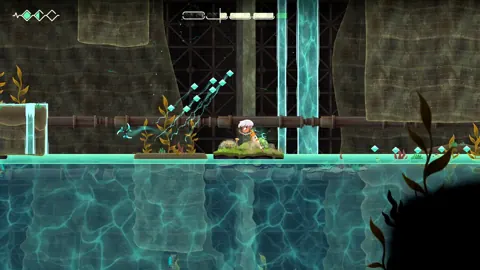 Echo Weaver Steam Guide: Price, Demo, and Deck SupportExplore Echo Weaver Steam pricing, the free demo, Steam Deck support, PC and Mac requirements, controller options, and tips for mastering its time loop.
More in Platforms
Echo Weaver Playstation: PS5 Details and Player Guide
Explore Echo Weaver playstation details, PS5 platform information, time-loop gameplay, and practical tips. Check what to know before choosing your version.
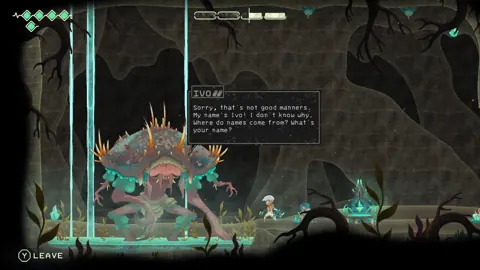
Echo Weaver Ps5: Release Date, Gameplay, and Buying Tips
Explore Echo Weaver's time-loop puzzles and knowledge-based progression in a world that keeps resetting. The Steam release date is October 8, 2026.
Echo Weaver Switch: Switch 2 Compatibility and Tips
Searching for Echo Weaver switch? Learn about Switch 2 compatibility, time-loop gameplay, controls, and practical pointers before exploring Provenance.
Echo Weaver Xbox: Game Pass, Price, and Console Guide
Explore Echo Weaver xbox availability, its $19.99 price, Game Pass access, and console features. Learn how knowledge and time shape trips through the loop.
Join the community
Official channels for news, updates and player help: